
In today’s digital world, phishing attacks are becoming increasingly sophisticated. Hackers are no longer relying on basic scam emails asking for login credentials, they are now using advanced tactics, like spoofing e-Signature providers. This phishing tactic accounts for a growing percentage of attacks, with cybercriminals impersonating trusted e-signature platforms such as DocuSign, Adobe Sign, and HelloSign.
This trend is especially dangerous for businesses because these attacks often look completely legitimate, making it easier for employees to fall for the scam without realizing they’re being targeted.
How e-Signature Spoofing Works
e-Signatures have become essential for businesses, whether they’re signing contracts, approving documents, or finalizing agreements. Unfortunately, their widespread use makes them a target for phishing attacks. Here’s how attackers typically execute e-signature spoofing:
- Impersonating Trusted Providers
Hackers send an email that looks like it’s coming from a genuine e-signature provider (e.g., DocuSign or Adobe Sign), with the email content including a link to sign a document or complete a business transaction. - The Fake Document
The email usually contains a malicious link to a fraudulent document or page that appears legitimate. Once the recipient clicks on the link, they’re asked to either submit sensitive information or approve a transaction. - Social Engineering to Add Urgency
The email often carries a sense of urgency (e.g., “Immediate action required!”), which encourages the recipient to act quickly without thinking. This tactic increases the chances of falling for the scam.
Why e-Signature Spoofing is So Effective
This phishing tactic is particularly dangerous because e-signature emails are routinely used in business transactions, meaning employees are already familiar with these types of requests. As a result, they’re less likely to question the legitimacy of an e-signature request.
Additionally, attackers are playing on trust and using social engineering to manipulate employees into acting quickly. Once the criminals gain access to sensitive information or conduct a fraudulent transaction, the damage can be both financial and reputational.
How to Protect Your Business from e-Signature Phishing
Although phishing remains a prevalent threat, there are several proactive steps businesses can take to protect themselves:
- Educate Employees on Phishing Tactics
Phishing training is crucial. Regularly educate your employees on the latest phishing tactics, particularly how to recognize spoofed e-signature requests. Use real-life examples in your training to make them more relatable and effective.
- Verify e-Signature Requests Through Secondary Channels
Always verify suspicious e-signature requests using another trusted communication method, such as a phone call or internal messaging system. This will help confirm that the request is legitimate before taking any action.
- Implement Multi-Factor Authentication (MFA)
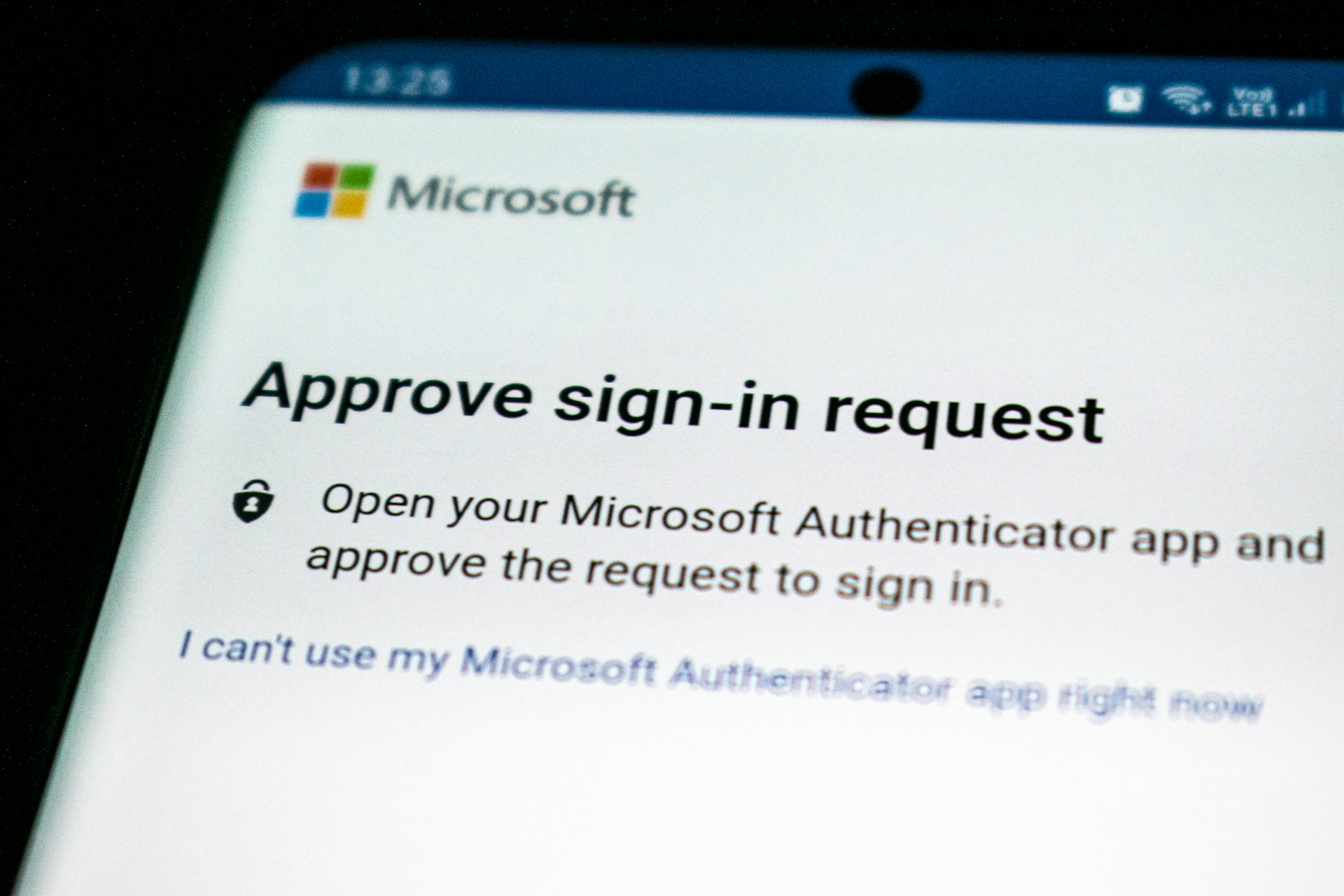
MFA adds an additional layer of protection to your accounts. Even if attackers steal login credentials, they won’t be able to access sensitive information or conduct fraudulent transactions without the second factor.
- Use Email Filtering and Anti-Phishing Solutions
Leverage email filtering tools to block phishing emails before they reach your inbox. These tools can detect and flag suspicious content or malicious links.
- Regularly Audit Your Security Systems
Routine audits of your email systems and security infrastructure will help identify vulnerabilities. By identifying weak points early, you can prevent them from being exploited in phishing attacks.
Why Identity Protection Matters
The rise in identity-based attacks underscores the need for businesses to focus on identity protection. Cybercriminals target employee credentials because they serve as a gateway to sensitive systems and data. By prioritizing identity security and ensuring that all employees are trained on phishing prevention, you can bolster your defense against such attacks.
Conclusion: Stay Ahead of Phishing Threats
Phishing attacks, particularly those involving spoofed e-signature providers, are a growing risk for businesses worldwide. By staying informed, educating employees, and implementing strong security measures like MFA, businesses can significantly reduce the risk of falling victim to phishing scams.
Want to protect your business from phishing and other cyber threats?
Contact Stephanie Gill-Gale today for tailored cybersecurity solutions and expert guidance.
Frequently Asked Questions
What is e-signature phishing?
E-signature phishing is when attackers impersonate trusted e-signature providers to trick users into clicking on fraudulent links or submitting sensitive information. These emails appear to be legitimate but are used to steal data or install malware.
How can I identify a phishing email from a spoofed e-signature provider?
Check the email address for slight discrepancies or unfamiliar domain names. Always verify the request via a separate communication method (e.g., phone call). Be cautious of urgent language or unexpected attachments.
How does multi-factor authentication (MFA) help protect against phishing?
MFA adds an additional layer of security by requiring a second form of verification (e.g., a text message or authenticator app) even if attackers have stolen login credentials. It reduces the risk of unauthorized access.
How often should employees be trained on phishing tactics?
Phishing training should be conducted quarterly with ongoing simulations. Frequent training ensures employees are always aware of the latest tactics and prepared to recognize suspicious emails.
What should I do if I receive a suspicious e-signature request?
Do not click any links or open attachments. Verify the request through a different communication channel (e.g., phone). Report the suspicious email to your security team for further investigation.