
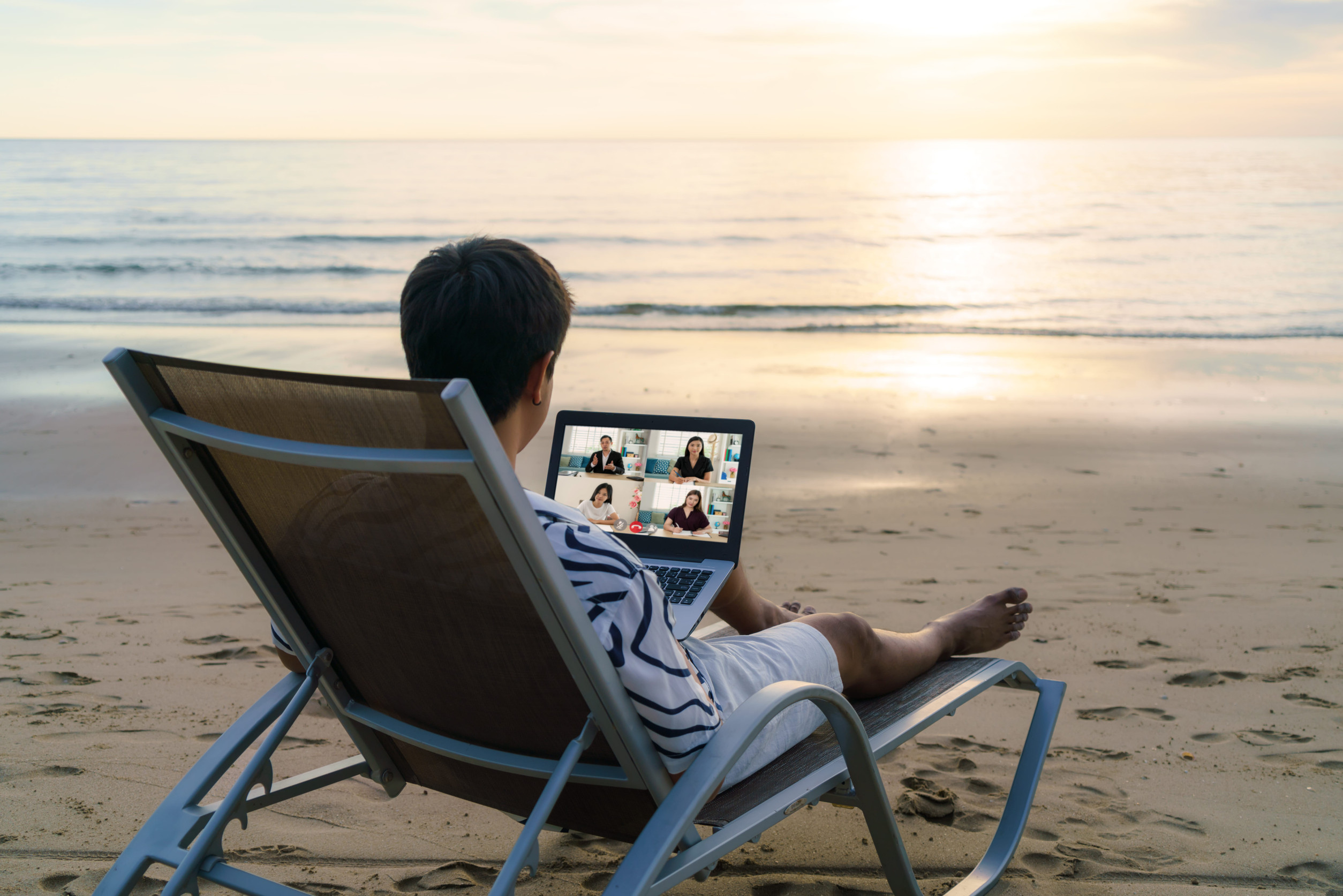
As you plan for your spring break getaway, or any vacation, whether you’re heading to a sunny beach, hiking through the mountains, or backpacking across the country, don’t forget to take precautions to keep your personal data safe. Cybercriminals are always on the lookout for opportunities to exploit unsuspecting travelers, especially during the busy spring break season.
While these tips are specifically geared toward spring break, they’re also invaluable for any trip or vacation you take throughout the year. Let’s dive into how you can secure your devices and personal information before, during, and after your spring break adventure.
Pre-Trip Cybersecurity: Set Yourself Up for Success
- Update Everything
Before you leave, make sure all your devices, apps, and security software are updated to patch any potential vulnerabilities. This step is crucial to protect your devices from hackers who might try to exploit outdated systems or software. - Back Up Your Data
It’s a smart move to back up all your important files, photos, contacts, and documents, either to the cloud or an external hard drive. This way, if your device gets lost, stolen, or damaged during your travels, you won’t lose your important information. - Set Strong Security Features
Secure your devices with strong PINs, passcodes, or biometric locks, like fingerprint or facial recognition. If your phone or laptop is lost or stolen, these security measures will help protect your data from unauthorized access. - Enable Device Tracking
Activate “Find My Device” (or similar apps) to track and potentially recover your devices if they go missing while you’re on the move.
On the Go: Stay Secure While Enjoying Your Spring Break
- Avoid Public Wi-Fi for Sensitive Activities
While public Wi-Fi networks are convenient, they are not secure. Refrain from using them to access sensitive accounts, such as banking or work-related platforms. If you need to use a public network, ensure you’re connected via a VPN (Virtual Private Network) or consider using a personal mobile hotspot for a safer connection. - Disable Auto-Connect Features
Make sure your device doesn’t automatically connect to unknown Wi-Fi networks or Bluetooth devices. Disable auto-connect features to prevent hackers from hijacking your connection or pairing with your device without permission. - Beware of Juice Jacking
Public USB charging stations may seem like a lifesaver when your phone’s battery is low, but they pose a real threat. Cybercriminals can use these stations to install malware on your devices. To stay safe, always use your own charger and plug it directly into a wall outlet. - Keep Your Devices Secure
Don’t leave your phone, laptop, or tablet unattended in public places like airports, coffee shops, or hotel lobbies. Always lock your devices in your hotel safe or keep them secured in your bag when you’re not using them. - Use RFID Protection
To protect your credit and debit cards from being scanned by unauthorized devices, invest in an RFID-blocking wallet or sleeve. These products block signals from RFID readers and keep your financial information safe.
Social Media and Digital Behavior: Share Wisely
- Don’t Overshare on Social Media
While it’s tempting to post real-time updates of your spring break adventures, doing so could expose you to unnecessary risks. Avoid sharing too much information, especially details about your home or the specific location you’re staying. Criminals can use this info to know when your home is empty and target it for theft. - Turn Off Geotagging
Most smartphones and cameras automatically tag your location to photos and posts. Disable this feature to avoid sharing your precise location with others. This adds an extra layer of privacy and security while you’re traveling. - Verify Booking Sites
Stick to well-known and reputable travel booking platforms for flights, accommodations, and activities. Be cautious of links that promise discounted deals; they may be phishing attempts designed to steal your personal information.
After Your Spring Break: Secure Your Accounts and Devices
- Review Account Activity
Once you return home, immediately check your bank and credit card statements for any unauthorized transactions. If you spot anything suspicious, report it to your bank or credit card provider right away. - Update and Scan Your Devices
After your trip, perform a quick update on your devices and run a malware scan to ensure your data and devices are free from any threats you may have encountered while traveling. - Change Your Passwords
If you’ve been using public Wi-Fi extensively during your spring break, it’s a good idea to change the passwords on your most sensitive accounts. This ensures that your accounts stay protected in case someone tries to gain access during your trip.
Traveling can be an exciting and enriching experience, but it’s important to stay vigilant about cybersecurity. By following these precautions and security measures, you can protect your personal data, avoid potential threats, and have peace of mind during your trip.
While these steps are especially important during the busy travel season, they’re also valuable year-round. Stay vigilant, stay secure, and most importantly, enjoy your travels!
Frequently Asked Questions
Should I use public Wi-Fi while traveling?
Public Wi-Fi networks are not secure. It’s safer to use a VPN or personal hotspot when accessing sensitive accounts.
What’s the best way to protect my devices from theft?
Always keep your devices secure. Use strong passwords, enable device tracking, and never leave them unattended in public spaces.
How can I prevent my phone from being hacked at a charging station?
Avoid using public USB charging stations. Instead, use your own charger and plug into a wall outlet.
Should I disable geotagging on my photos?
Yes, disabling geotagging on your camera and social media apps adds an extra layer of privacy while traveling.
How can I safely book travel accommodations online?
Only use reputable travel websites or book directly with providers. Be wary of phishing sites offering too-good-to-be-true deals.